

What it does
When you give Eney your existing content or product details, Eney turns it into posts tailored to each platform. It adjusts tone, length, and format for each audience while matching your brand voice. Use Eney to generate social media post ideas, repurpose an article, or create a weekly social post schedule with ready content.
Try the prompt
You can paste the following prompt into Eney to create an AI social media post generator that takes your content and transforms it into posts that fit different platforms and audiences:
Create a Social Media Post Generator skill with these guidelines:
When the user requests social media content, identify the topic, target platforms, audience, goal, and preferred tone.
Ask for missing details if you think they are essential. Accept notes, links, or existing content as source material.
Write posts that are suited to each platform's format and audience. Consider what works best for platforms like Instagram, LinkedIn, and X.
Create engaging openings, clear main messages, and relevant calls to action when appropriate.
Adjust post length, structure, hashtags, and emoji use to suit the platform and user's preferences.
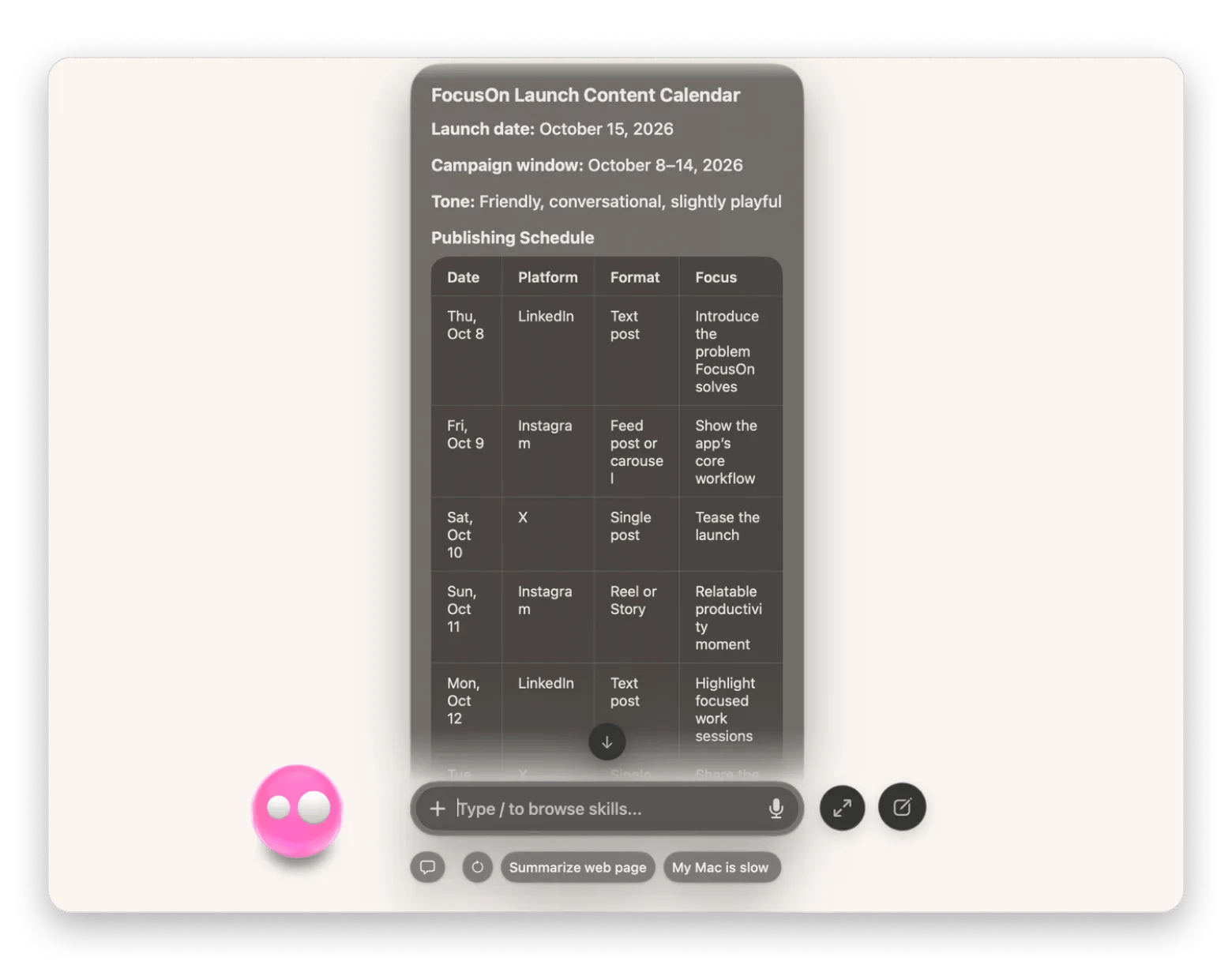
When requested, generate multiple variations or a week's content calendar with suggested publishing dates.
Preserve important facts and the user's brand voice. Flag missing information rather than inventing claims, statistics, or testimonials.
Organize the results by platform, with ready-to-copy captions, suggested hashtags, and optional visual ideas.
Behavioral notes:
Write naturally and avoid generic promotional language or repetitive openings.
Use human-like pacing and writing style to make the posts look natural.
What you'll see in Eney
Eney may ask a few questions about your content or target platforms when it doesn’t have enough information to work with. From there, it will give you ready-to-use content organized by platforms. You can copy the content or ask the AI assistant to save it in Apple Notes or another connected app.
Who this is for
You’ll get the most out of it if you:
Social media managers who need help creating platform-specific posts or creating a content calendar with a consistent brand voice across channels.
Marketers and small business owners who want to promote products or just keep their social media accounts active without writing every post from scratch.
Content creators who want to repurpose existing content into engaging posts for Instagram, LinkedIn, or X.