

What it does
Tell Eney that you want to write or polish, then give it your draft or the details you want to include. The AI assistant can help you write from scratch, rewrite existing text, improve clarity, or adjust the wording to fit a particular tone or style. You can use the skill for anything from an email to an article or report.
Try the prompt
Paste the prompt into Eney to create the AI writing assistant skill:
Create a Writing Helper skill with these instructions:
Help the user write, rewrite, edit, and polish text for different purposes.
When the user describes what they need, identify the type of writing, intended audience, purpose, and desired tone from the available context.
Ask a clarification question when essential information is missing. When the request is clear, start writing.
When rewriting existing text, try as much as possible to preserve the user's meaning and important details unless asked to change them.
Improve clarity, structure, grammar, flow, and word choice while keeping the writing natural.
Match the tone and level of formality to the user's purpose and instructions.
When writing from scratch, organize the content logically and give the user a complete draft they can edit easily.
Return the finished text first, followed by brief notes or alternatives only when they are useful.
Behavioral notes:
Keep the user's voice at the center of every rewrite. The rhythm should be human-like with a mixture of sentence structures.
Avoid generic AI-style phrases and fillers, clichés, and overly polished language. Avoid em dashes and “It’s not X. It’s Y” constructs.
What you'll see in Eney
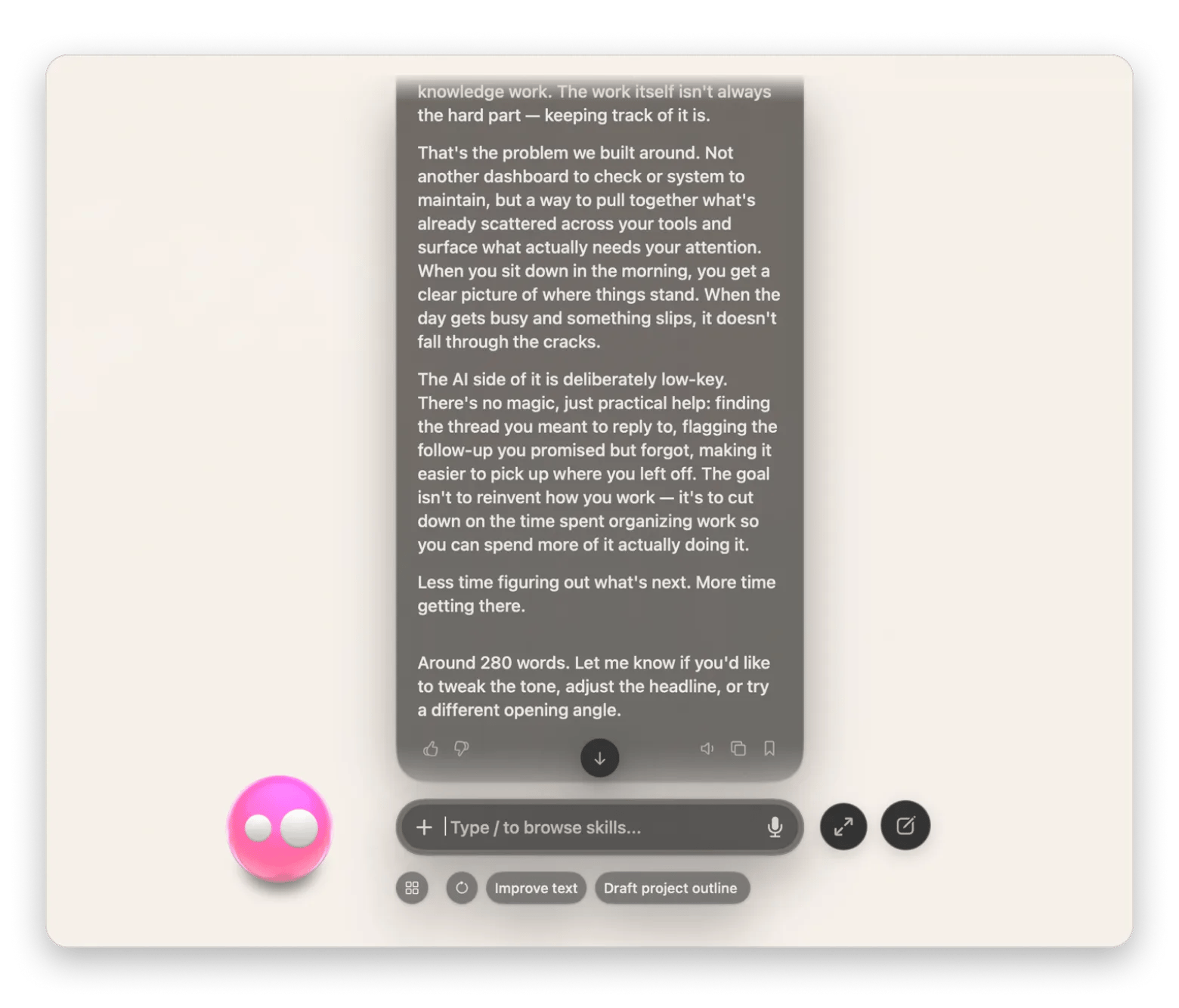
When you tell Eney that you need help with your writing, it will load the Writing Helper skill. The AI writing tool for Mac will ask what you are working on if you haven’t provided enough context in the first request, and it will then use the information to create a finished draft or an edited version of your text.
Who this is for
You’ll get the most out of it if you:
Writers and bloggers who need help drafting articles, refining ideas, or editing content to produce polished pieces.
Marketers who want a quick and efficient way to create emails, campaign copy, and other content that needs to match a specific audience or tone.
Professionals and students who need an easier way to write emails, reports, and other everyday documents.