
What it does
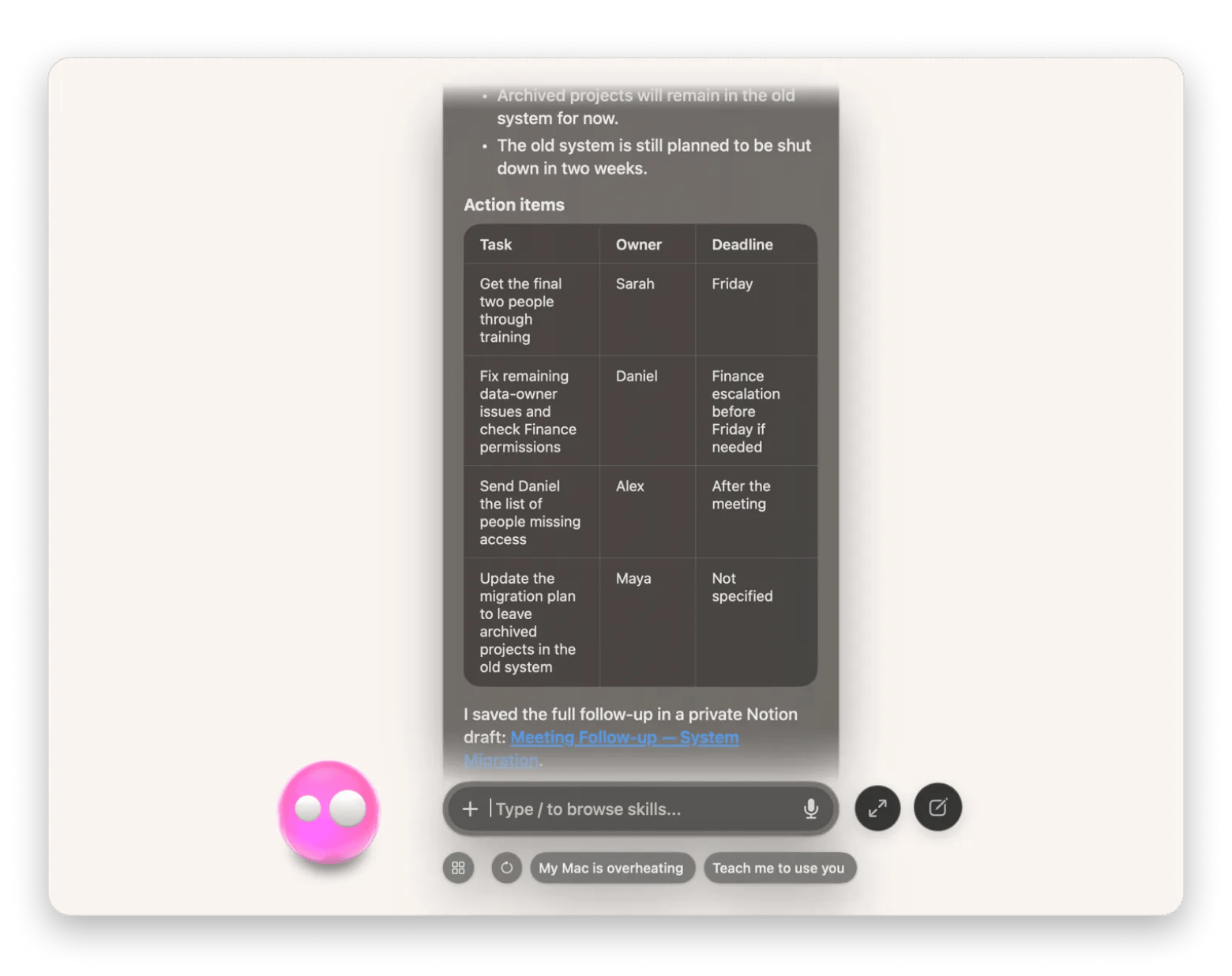
Eney is proactive and can handle multi-step workflows that often require switching between apps. For example, Eney can create a plan for your day every morning based on your calendar, email, and task manager. It can also start recording your meetings automatically, create notes after the meeting, and send everything to Notion or Apple Notes. You won’t need to switch to any of the apps involved.
What you'll see in Eney
When you tell Eney to carry out a particular task, it checks whether it needs extra input from you and prompts you to provide it. From there, the AI assistantruns the task and provides the output when available. If it’s an automated task like Morning Check-In, Eney handles it and notifies you when it’s done.
Who this is for
You’re in the right place if you:
Knowledge workers who are often moving between documents, research, and other work tasks.
Operations teams that need to simplify repeatable processes that involve several steps, files, or apps.
Freelancers and business owners who need to automate some of their admin or research tasks throughout the day