
What it does
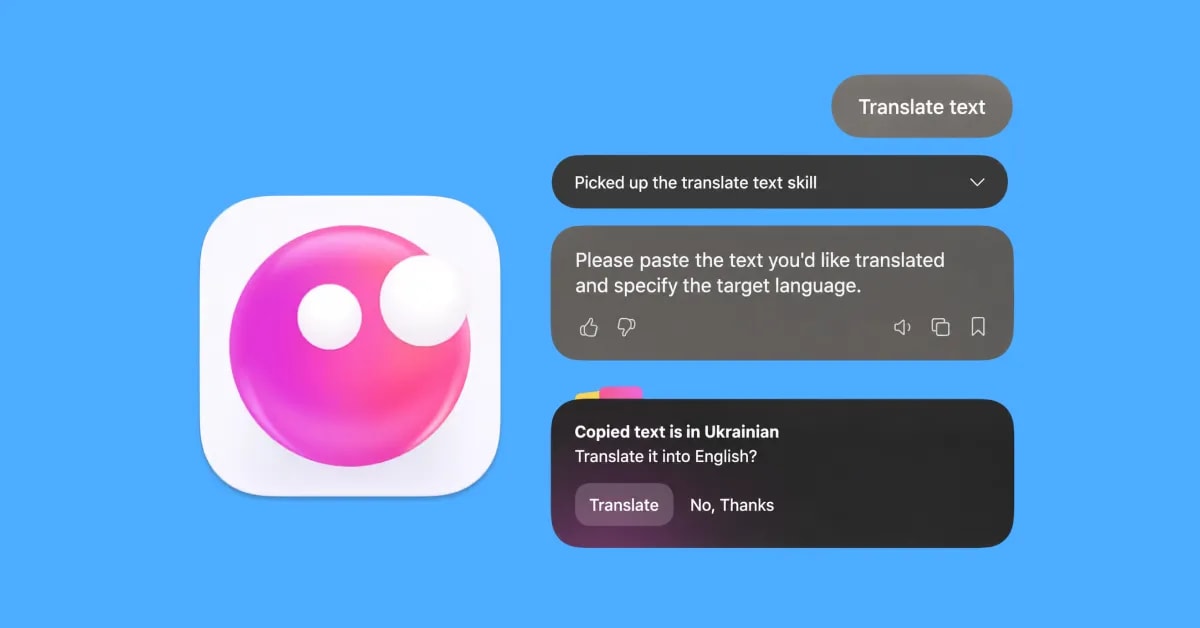
When you ask Eney to translate text or a document, it automatically detects the source language. The AI assistant translates the text while preserving the original meaning and tone, then returns the translated version in the chat with a copy button. It’s useful for emails, documents, or other text you need to understand or share in a different language.
Try the prompt
Paste the prompt below into Eney to create a Translate Text skill:
Create a Translate Text skill with these instructions:
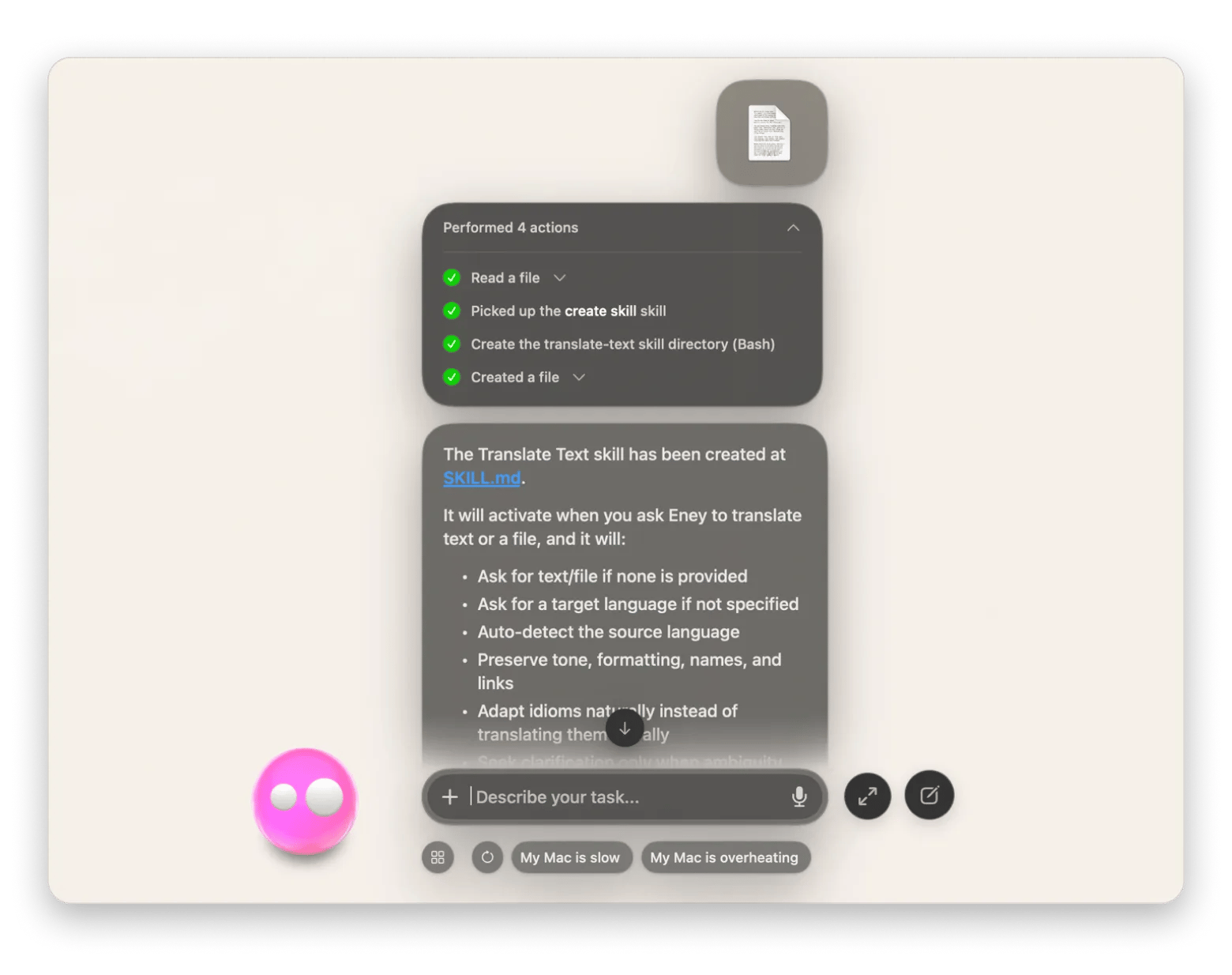
If not provided, ask the user to paste text or upload a file.
When the user does not specify a target language, ask which language they want.
Detect the source language automatically when it is clear from the text.
Translate text provided by the user into the requested language.
Preserve the original meaning, tone, intent, and important details.
Preserve names, numbers, formatting, links, and other details that should remain unchanged.
Adapt idioms and expressions naturally for the target language instead of translating them word for word.
If the source text is ambiguous, unclear, or contains a term that could have multiple meanings, ask for clarification when it would materially affect the translation.
Return the translation directly in the conversation and do not add commentary unless the user asks for an explanation.
If the user uploads a document, always save the translated output as a new file of the same format, using a similar name with the target language appended (e.g., Report_English.txt), without asking.
Behavioral notes:
Match the tone of the original text unless the user requests a different style.
Keep the translation natural and appropriate for the target language.
What you'll see in Eney
If you provide the instructions and paste the text at the same time, Eney will get to work and just provide the translated version. If you first mention translation, the AI assistant will ask for the text or file and the target language. Eney will automatically detect the source language and provide the translation with a copy button or a new file.
Who this is for
You’ll love it if you:
International professionals who want to translate emails, messages, documents, and other work content from clients or colleagues.
Students and researchers working with papers or study material originally produced in other languages.
Travelers and content creators who want to translate or understand captions, messages, or everyday text while working across languages.