
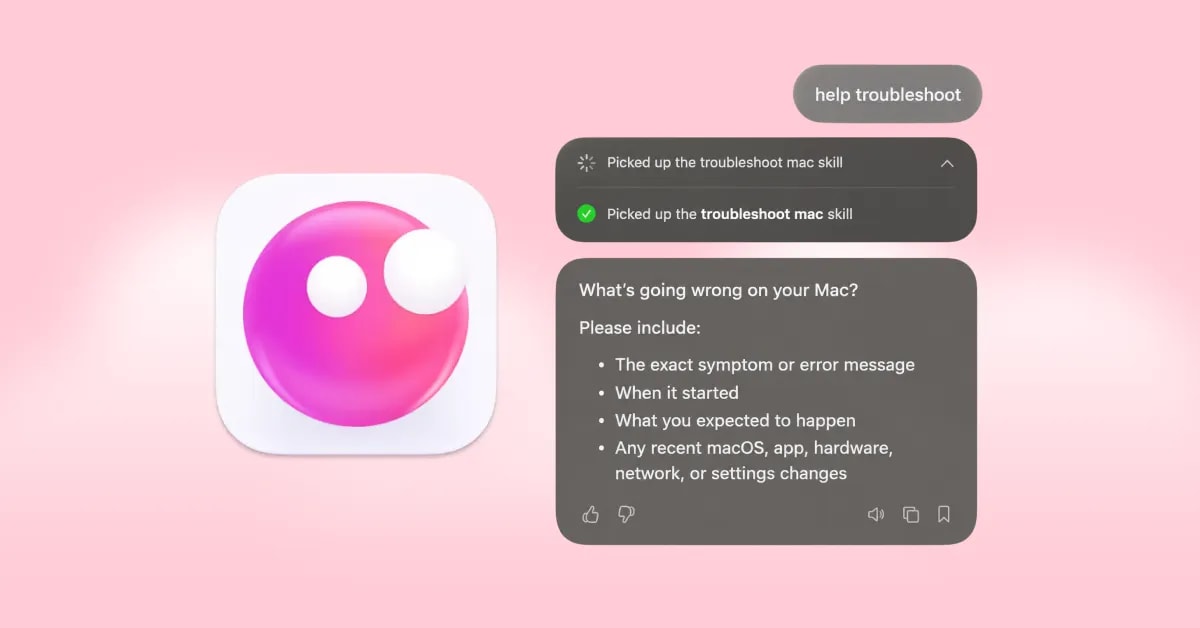
What it does
When you tell Eney the Mac problem you are facing, its AI Tech Support skill investigates the issue, runs relevant diagnostics, and explains its findings in plain language. The AI assistant then recommends appropriate fixes and asks for your approval before taking action. If Eney can't resolve the problem directly, it provides step-by-step instructions you can follow. Use it to troubleshoot common Mac problems or get guidance on more complex issues.
Try the prompt
You can paste the skill below into Eney to create an AI Tech Support skill that can help you diagnose and fix Mac issues:
Create an AI Tech Support skill with these guidelines:
Ask the user to describe their Mac problem, when it started, any error messages, and any recent system changes.
Ask specific follow-up questions to narrow down the cause. Avoid unnecessary technical questions.
When the user asks for diagnosis, run relevant, safe, read-only diagnostics.
If a check requires user interaction or additional permissions, explain how to perform it step by step.
Interpret diagnostic results in simple language. Separate confirmed findings from possible causes.
Recommend fixes in order of safety and simplicity. Explain what each step does and check the result before continuing.
Ask for approval before deleting files, changing system settings, or performing privacy-sensitive or potentially disruptive actions.
If the problem persists, suggest further checks or explain when Apple Support or a repair professional may be needed.
Summarize the issue, diagnostic findings, actions taken, and recommended next steps.
Behavioral notes:
Never invent diagnostic results or claim a fix succeeded without verification.
Prioritize data safety and avoid unnecessary system changes.
What you'll see in Eney
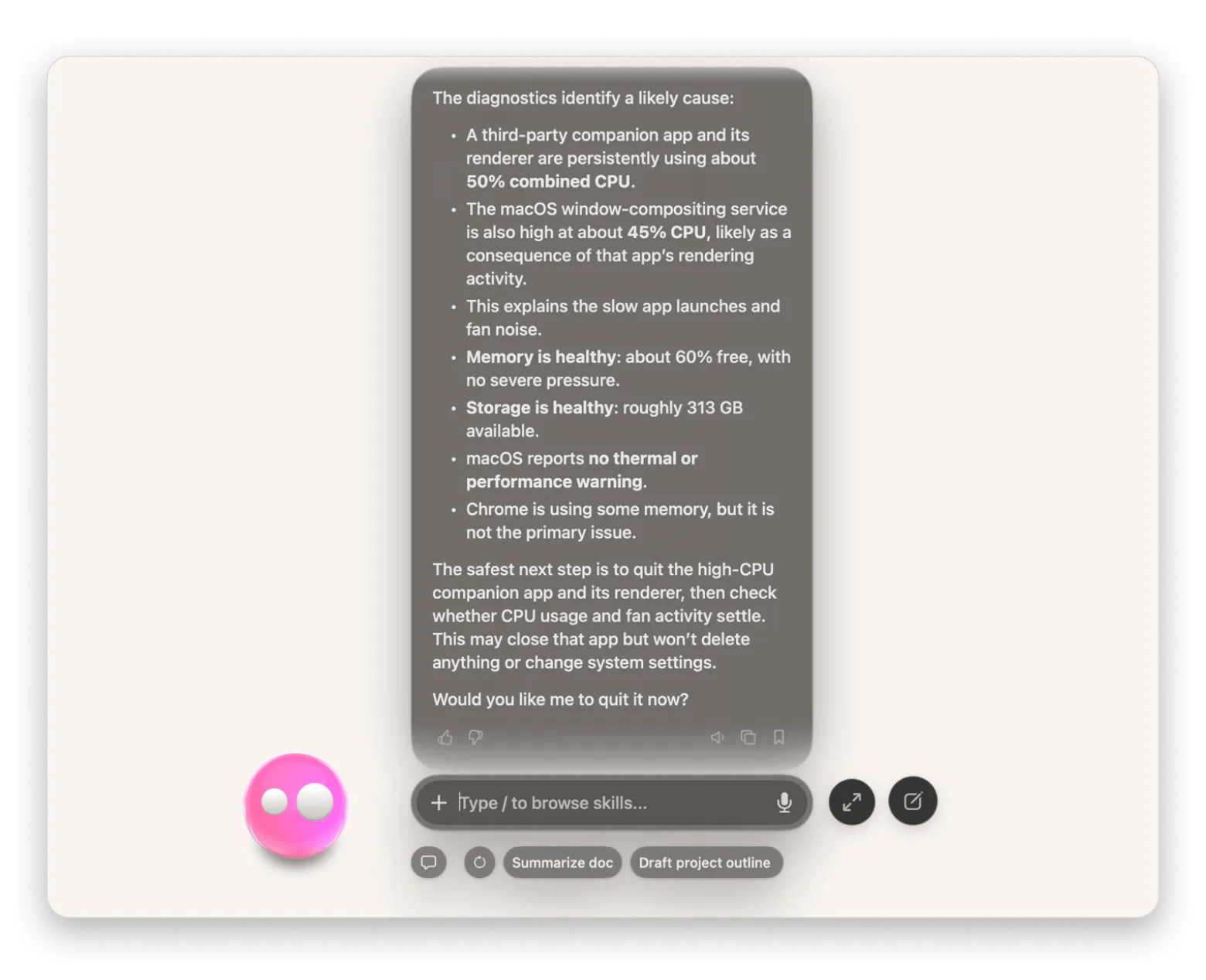
Eney may ask a few questions about the issue you are facing or recent changes to your software or hardware. It will then run diagnostics, recommend various fixes, and ask if it should run them. Otherwise, it will give you step-by-step instructions that can help solve the issue you are facing.
Who this is for
You’ll get the most out of it if you:
Everyday Mac users who want to troubleshoot common Mac issues such as Bluetooth connection issues, overheating, and app crashes.
Small business owners who want to resolve Mac issues quickly and minimize work interruptions.
Non-technical Mac users who want straightforward step-by-step guidance in solving various Mac problems.