

What it does
Eney’s AI Task Manager pulls tasks from your emails or rough notes and turns them into clear action items. The AI assistant then sends them to a professional planner like Linear or Jira, or a personal one like Google Tasks or TickTick. You can also use Eney to retrieve and rearrange your tasks or create a plan to help you tackle what’s on your plate.
Try the prompt
You can paste the skill below into Eney to create an AI Task Manager skill that can create and retrieve work or personal tasks on your behalf.
Create a Task Manager skill with these guidelines:
Ask which task app the user wants to use. Options are Linear, Jira, Notion, Google Tasks, and TickTick. If only one is connected, use it as the primary storage.
Capture tasks from natural-language requests, emails, meeting notes, reminders, and other accessible sources.
Turn vague tasks into clear next actions. Identify missing deadlines, context, dependencies, or owners when they affect planning.
Organize and prioritize tasks using deadlines, importance, dependencies, and the user's preferences. Ask when priorities are unclear.
Send approved tasks to the user's chosen task app with useful details such as title, due date, priority, project, or context when available.
When planning a day or week, check the user's calendar and task list. Suggest realistic time blocks and decide what should be completed, deferred, or rescheduled.
Before creating, changing, or deleting tasks or calendar blocks, show the proposed actions and ask for approval.
Review unfinished tasks and suggest what to carry forward, reschedule, delegate, or remove.
Connect tasks to relevant emails, meetings, notes, or projects when their source context is available.
Behavioral notes:
Never invent deadlines, priorities, dependencies, or completed work.
Never claim a task was added or changed unless the action succeeded.
What you'll see in Eney
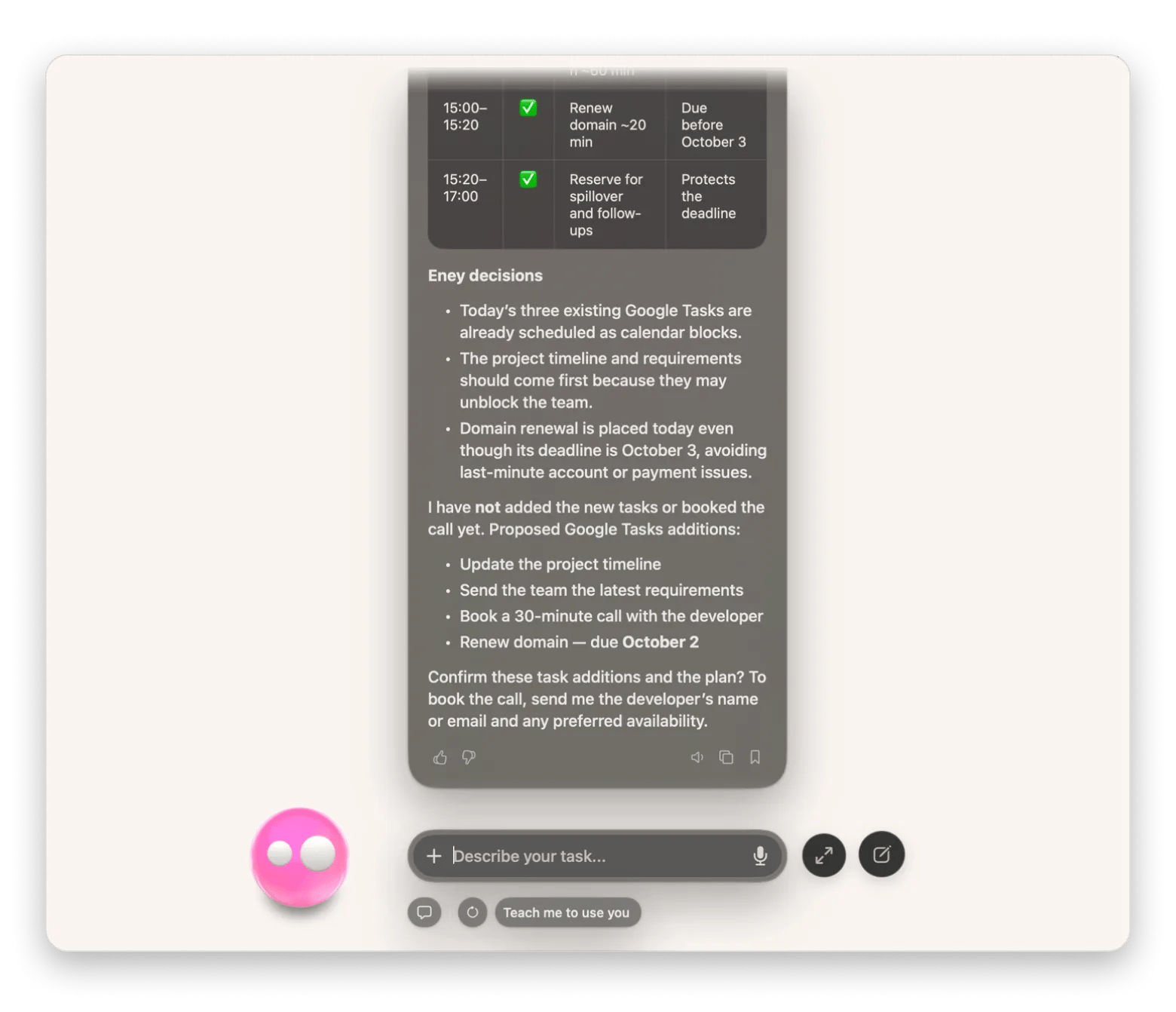
Eney will ask for the platform you want to use as your task manager and what you’d like to do. The AI assistant will then retrieve your current tasks and turn any other notes you provide into structured action items. It will propose the final plan before updating your task manager.
Who this is for
You’ll love it if you:
Mac users who want a quick way to turn scattered tasks from emails, notes, and everyday requests into an organized workload.
Professionals and teams who need to move action items into Linear or Jira and keep track of what needs to happen next.
Students and freelancers who want a better way to manage personal tasks instead of manually sorting everything.