
What it does
When you give Eney a PDF, its AI PDF summarizer analyzes the document and pulls out the information you need. It then organizes the content into sections such as key findings, arguments, and recommendations. You can also ask for specific information from the document, turn it into study cards, or have Eney explain complex concepts in simpler language.
Try the prompt
Paste the prompt below into Eney to create an AI PDF Summarizer skill you can use to get a structured overview of a PDF file’s content:
Create an AI PDF Summarizer skill with these guidelines:
When the user provides a PDF, ask what they want to understand or extract if their request is unclear.
Summarize the document at the requested level, from a one-sentence overview to a detailed section-by-section summary.
Extract useful information such as key findings, arguments, facts, figures, conclusions, recommendations, definitions, deadlines, and action items.
Answer questions about the PDF using information from the document. Do not answer with information from other sources, and include page or section references when they can be identified reliably.
For specific requests, focus on the relevant pages, sections, headings, terms, tables, or other content instead of summarizing the entire document.
Return results in a format suited to the request, such as bullets, headings, tables, study notes, or an executive summary.
Clearly identify content that is unreadable, missing, ambiguous, or difficult to interpret, especially in scanned pages, tables, charts, and diagrams.
Never invent information or citations. Distinguish what the document states from interpretation or inference.
For long PDFs, process the document in sections before producing a document-level summary when needed.
Behavioral notes:
Base answers on the provided PDF unless the user explicitly asks for outside research.
For high-stakes information, remind the user to verify important details against the original document.
What you'll see in Eney
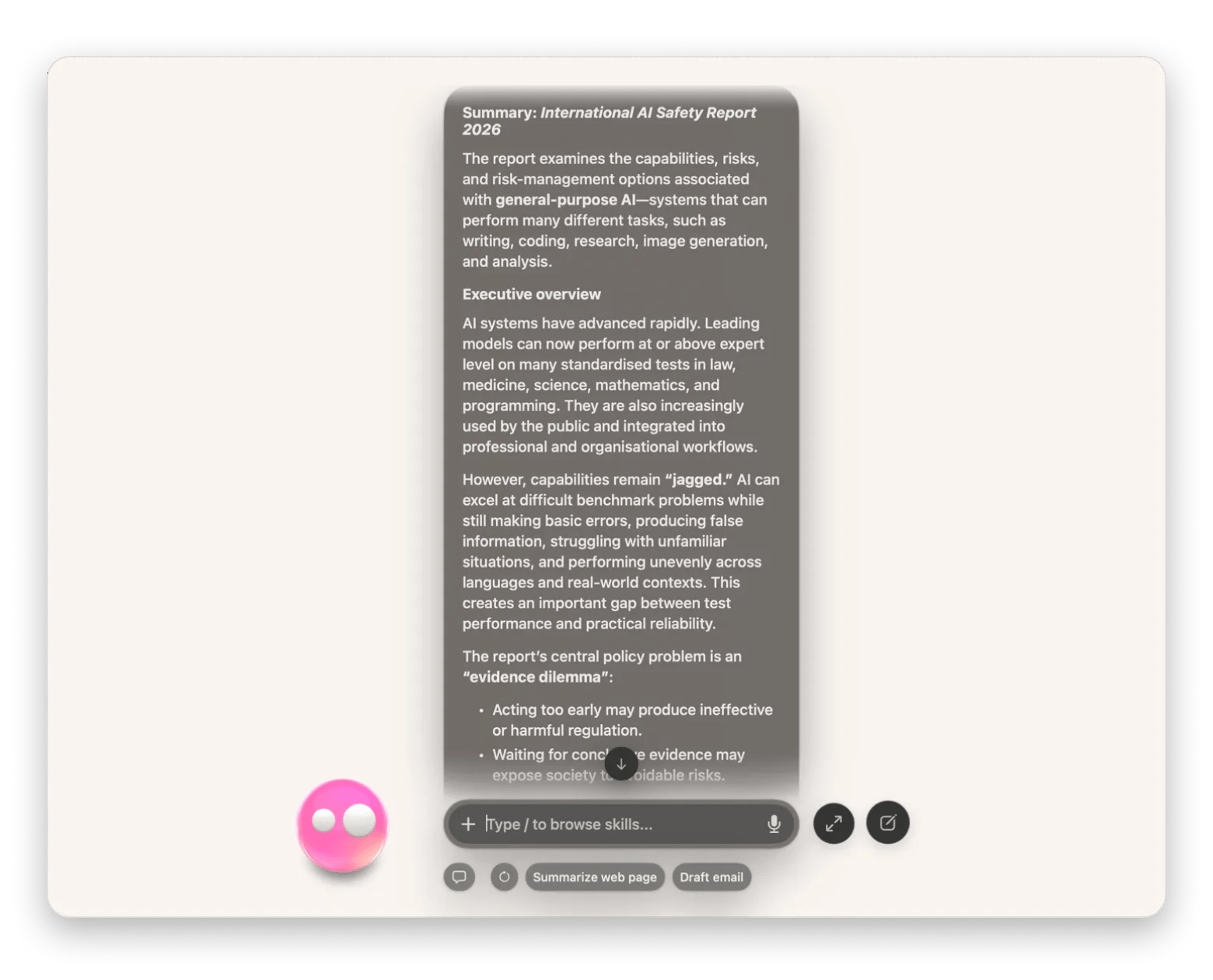
Eney will show you the information extracted from the PDF, grouped into relevant sections. If you ask for specific information, the AI assistant will focus its response on that and present it in a clear format.
Who this is for
You’ll love it if you:
Any Mac user who wants to understand the content of a long PDF without reading through every page.
Students and researchers who want to pull out key findings, references, or study notes from academic and research documents.
Lawyers and professionals who need to review reports, contracts, and other documents to find the information that matters most to their work.