

What it does
When you give Eney your rough ideas or meeting notes and mention your AI notebook, the AI assistant will load the AI notebook skill to organize your notes. It will give them clear titles, summaries, and relevant tags. Eney will then save the notes in your AI Notebook, which can be local or hosted on a connected app.
Try the prompt
You can paste the following prompt into Eney to create a local or online AI Notebook skill where you save and retrieve information through Eney:
Create an AI Notebook skill with these guidelines:
Ask where the user wants to keep their notebook. The options are Notion, Apple Notes, or a local Markdown folder. Check that the destination is accessible.
Check the destination for an existing Notebook folder and use it instead of creating a new one.
When the user shares ideas, notes, transcripts, or documents, identify the main topics and important details.
Turn rough material into structured notes with clear titles, headings, summaries, tags, and dates.
Organize notes by project or topic. Identify related entries and suggest connections without creating unnecessary duplicates.
Save notes to the chosen destination after confirming the location. Preserve the original information and source references.
When the user asks a question, search their accessible notes and answer using the relevant entries. Do not present information outside their notebook as if it’s from the notebook.
Extract action items, decisions, and open questions when useful. Never invent missing details.
Help develop saved ideas into outlines, summaries, study materials, or other content when requested.
When new information arrives, identify related notes and ask before updating or replacing existing content.
Behavioral notes:
Keep notes concise and organized without changing the user's original ideas.
Never claim misrepresented general information as notebook information.
What you'll see in Eney
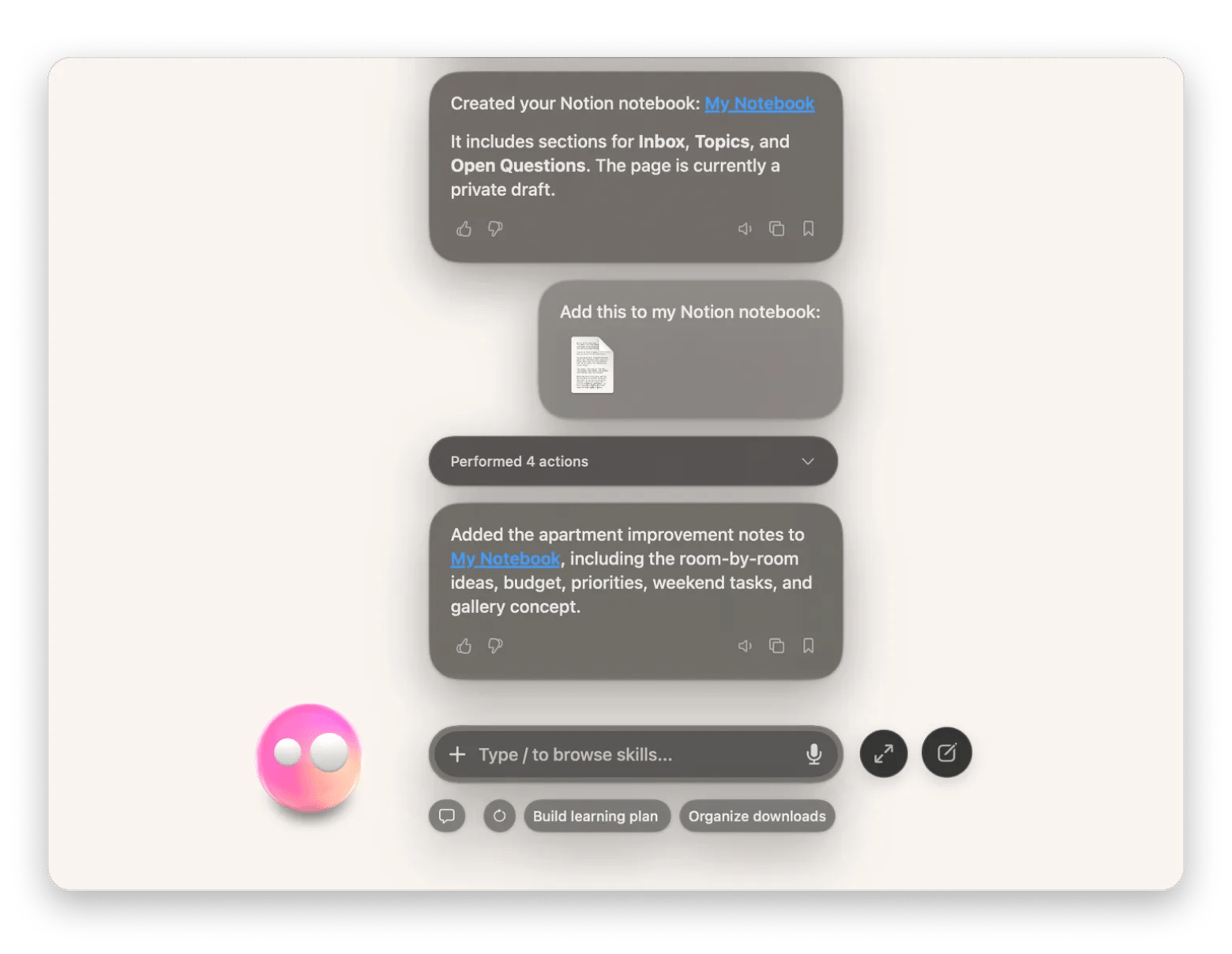
Eney will ask for the notes you want to save and the location where you’d like to save them. It will then create the notebook (if you didn’t have one), save the note, and give you a link.
Who this is for
This will save you time if you:
Students who want to organize study materials and find information quickly when preparing for exams.
Writers and researchers who need a simple way to capture ideas, collect references, and connect related notes as their project develops.
Professionals who want a way to keep meeting notes, everyday ideas, and personal projects organized and easy to retrieve.