

What it does
You can write notes and ideas in Eney and ask it to create a note in Apple Notes or a connected app like Notion. The AI assistant can also create meeting summaries and turn them into structured notes directly in your notes app. It's a great way to automate note-taking and reduce context switching.
Try the prompt
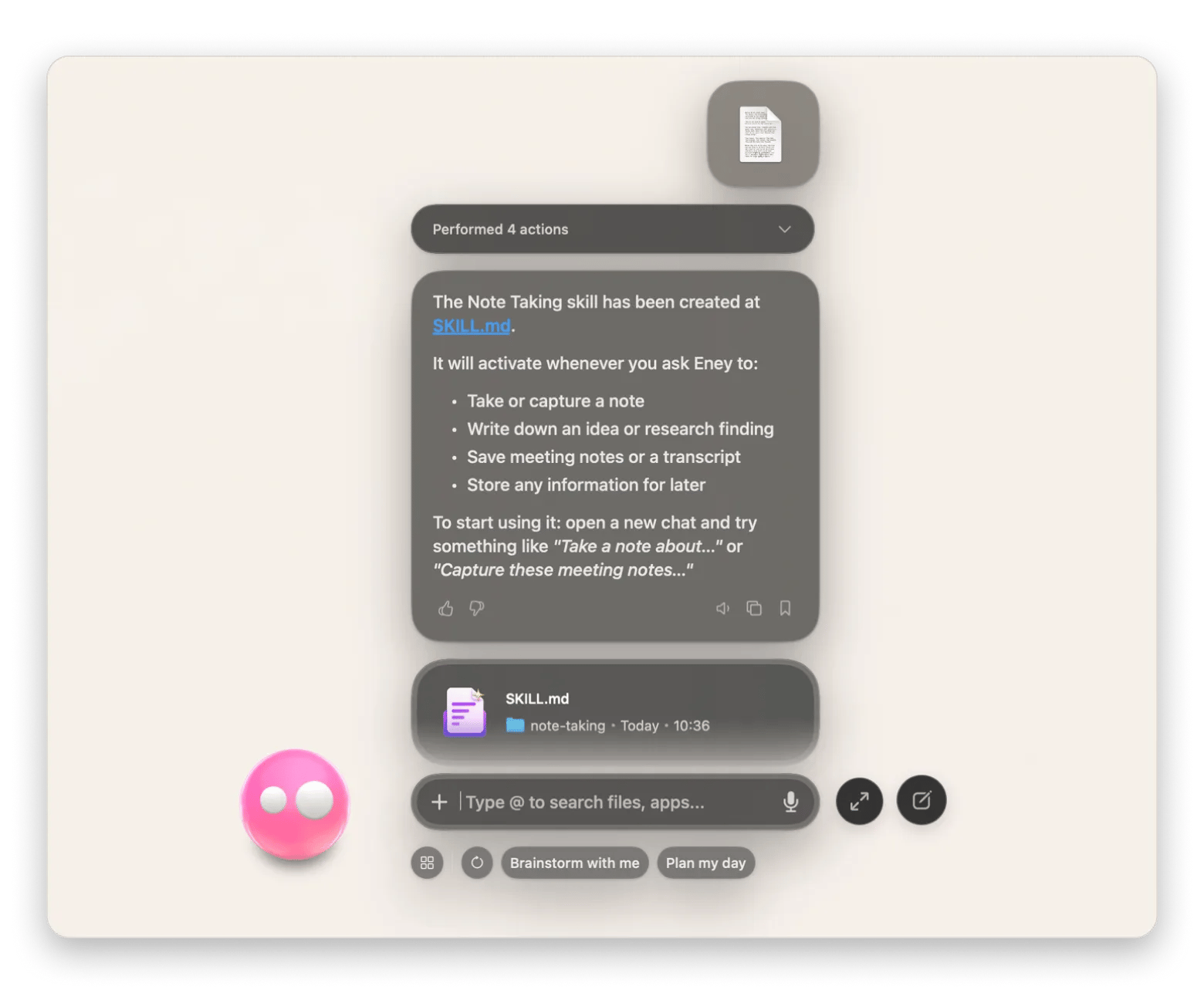
Paste the following prompt into Eney to create an AI Note Taker skill:
Create an AI Note Taker skill with these instructions:
Help the user capture ideas, notes, research findings, meeting information, and other useful information.
When the user provides information or asks to create a note, identify the key points and organize them into a clear structure.
When working on meetings or transcripts, capture the main topics, decisions, action items, and important details.
When the user provides research or reference material, preserve useful facts, sources, names, and other details that may matter later.
Keep quick notes concise and preserve more detail when the source contains information that needs context.
If asked to save a note, use the connected app or service they specify.
If the user does not specify a destination, default to Apple Notes.
Return the finished note in a clear format that is easy to review and reuse.
Behavioral notes:
Keep the structure appropriate to the type of information being captured.
Do not add details that are not supported by the source.
What you'll see in Eney
When you ask Eney to capture a note, it uses the information you’ve provided (or from your meeting) to structure the content. If you ask the assistant to save the note, Eney will send it to Apple Notes or Notion (if connected). You won’t need to switch apps.
Who this is for
You’re in the right place if you:
Meeting participants who want to avoid manual note-taking or turn meeting transcripts into structured notes.
Students and researchers who want to capture ideas, findings, and other useful information while working across different sources
Professionals and knowledge workers who want a quick way to capture ideas or save information to Notion or other connected apps.