
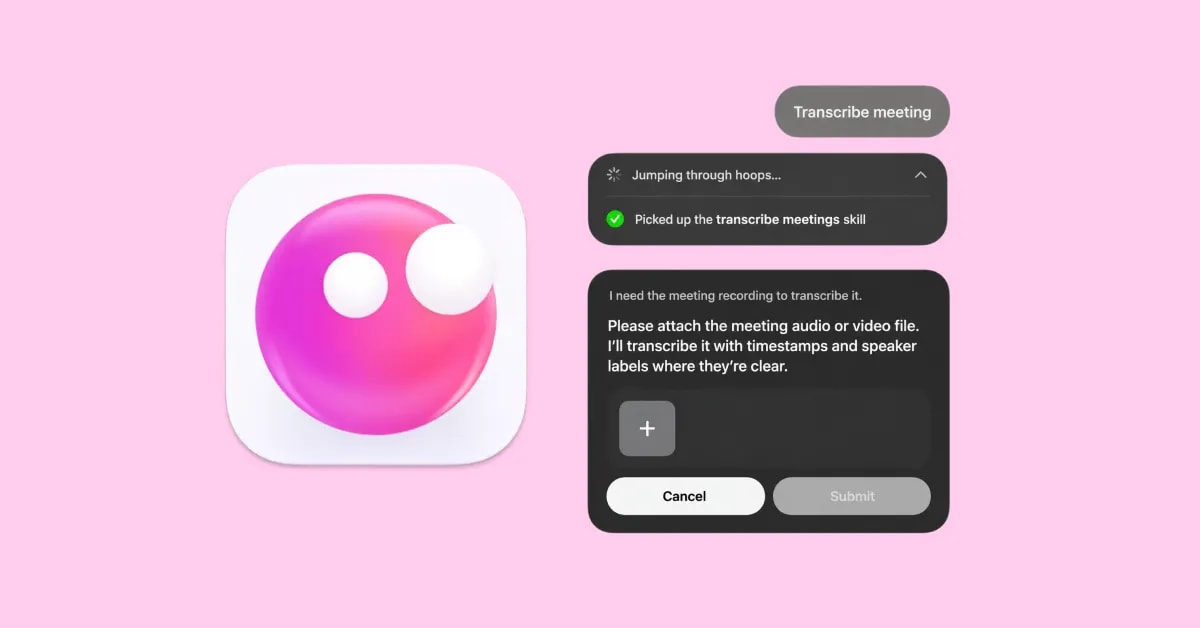
What it does
When you give Eney a meeting or interview recording, it loads the AI Meeting Transcription tool and uses local AI models to turn the audio into text. It usually identifies speakers where possible, and you can ask Eney to create meeting notes or save the transcript into a connected app. Use the skill to catch up on a meeting you missed or convert a meeting recording into structured notes and action items.
Try the prompt
Create a Meeting Transcription skill with these guidelines:
When the user provides a meeting or interview recording, transcribe the audio as accurately as possible.
Check for and use local transcription tools to turn the audio into text.
Format the transcript clearly with timestamps or speaker labels if you can identify them reliably.
Distinguish speakers when the audio provides enough information to do so. Otherwise, just indicate [speaker] instead of guessing names.
Clearly mark portions that are unclear or difficult to hear.
Only remove obvious filler and transcription artifacts when the user asks for a cleaned-up transcript. Retain the full meaning.
When requested, create meeting notes based on the transcript. Organize them into sections such as key points, decisions, questions, quotes, and action items.
Return the transcript in a readable format and include timestamps when they are available.
If the recording is incomplete, has poor audio quality, or contains sections that cannot be understood, identify those limitations rather than filling in missing content.
After presenting the transcript, ask whether the user wants to turn it into meeting notes or save the transcript locally or in a connected app.
Behavioral notes:
Never invent words, speaker identities, timestamps, or details that are not supported by the recording.
After completing the transcript, let the user choose whether to create notes or save the transcript.
What you'll see in Eney
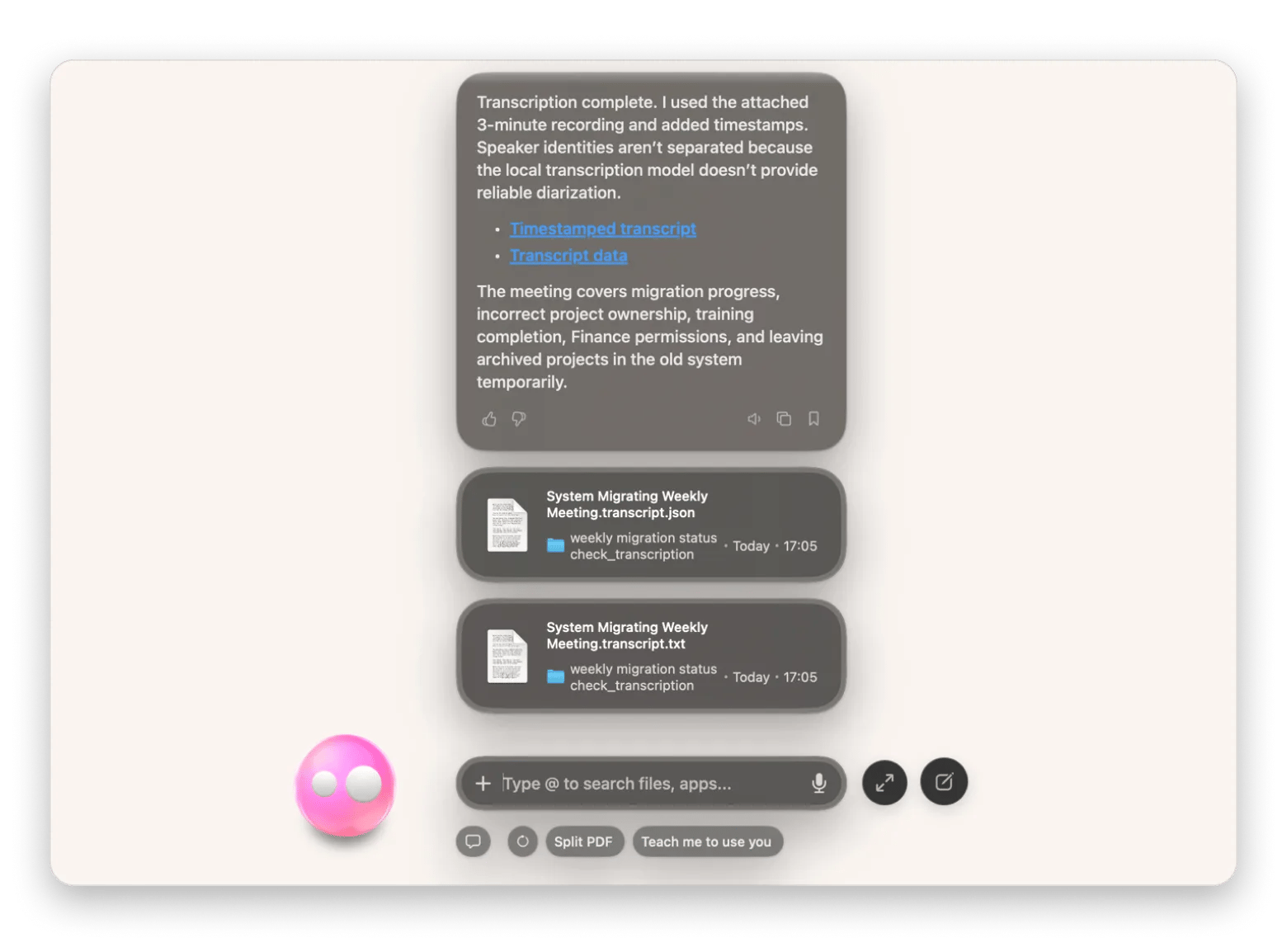
Eney will ask for the audio file and convert it to text. The AI assistant will then give you a short report of the process and a link to a local .txt file with the transcript.
Who this is for
This will save you time if you:
Professions and teams that need transcripts and meeting notes without taking detailed notes during a meeting.
Journalists and interviewers who need searchable transcripts of their recorded interviews or conversations.
Anyone who often records meetings or discussions and wants a way to turn the audio into a transcript or notes.