From quick everyday asks to tasks that take multiple steps.
Eney helps you get things done across your Mac and the apps you already use. Just tell it what you need without complicated prompts, setup, or learning a new way to work.
Whether it’s a small task you want off your plate or something that takes a few steps and apps, Eney can help you move it forward.
We believe AI on your Mac should be useful beyond answering questions. Eney was created to make it easier to hand things off, take action, and get more done without adding another complicated software to your day.

Small tasks, tedious work, things scattered across apps. Hand them to Eney and get back to what matters.
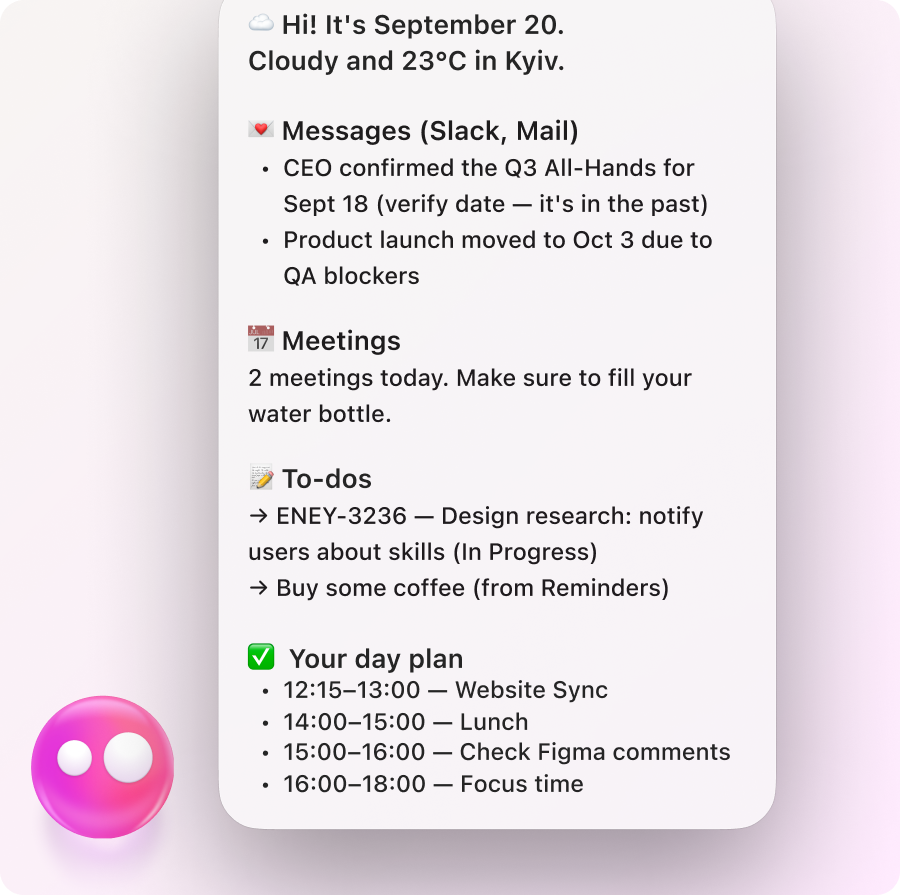
Proactive suggestions
Brings timely things to your attention and suggests useful next steps, so it’s easier to stay on top of what matters.
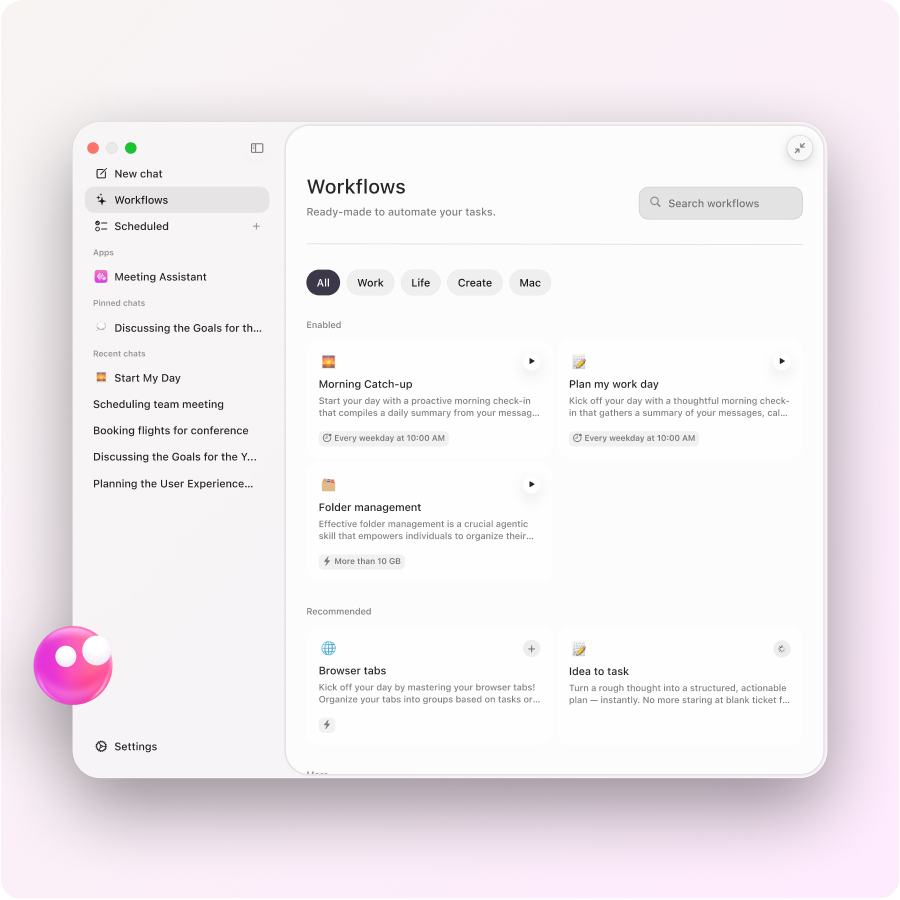
Ready-to-use workflows
Plan your day, review your week, catch up on news, manage Downloads, and more with workflows that are ready when you need them.

iPhone & Mac
Use Eney on your Mac when you’re at your desk and on iPhone when you’re away from it.
.png)
Eney Wand
Work with text, images, files, and other content right where it appears on your screen, with less copying, pasting, and switching around.

Connectors
across them from one place.
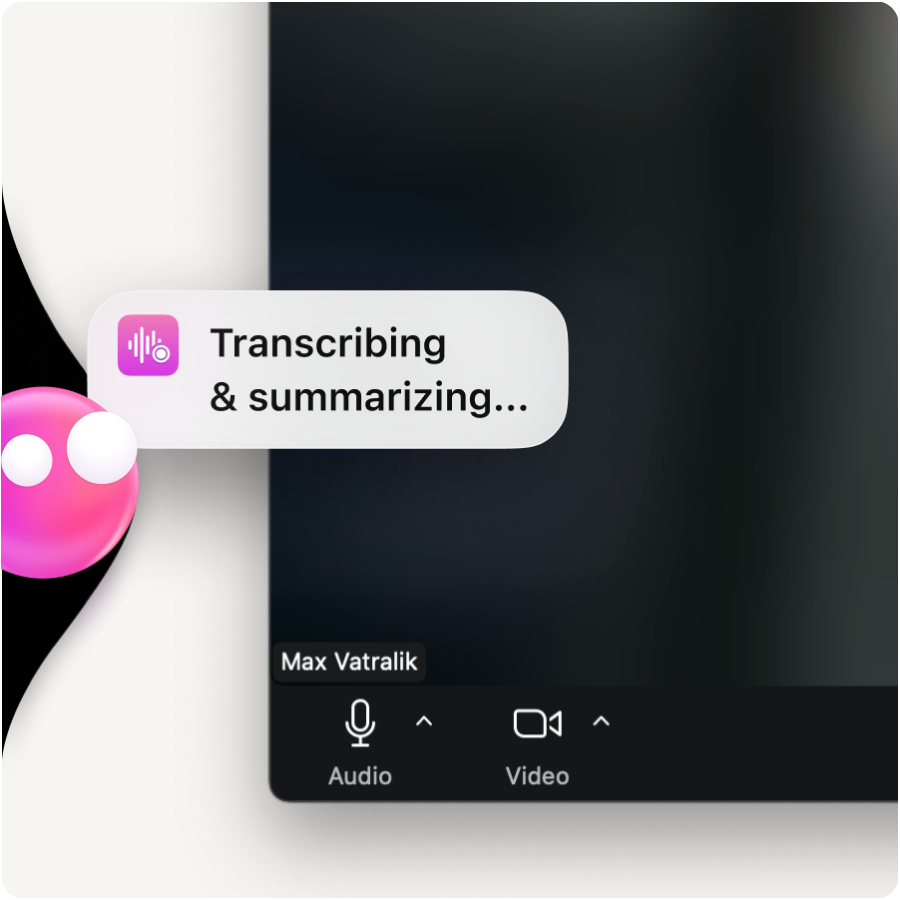
Meeting notes
Transcribes calls and turns them into clear notes, summaries, and action points you can come back to later.
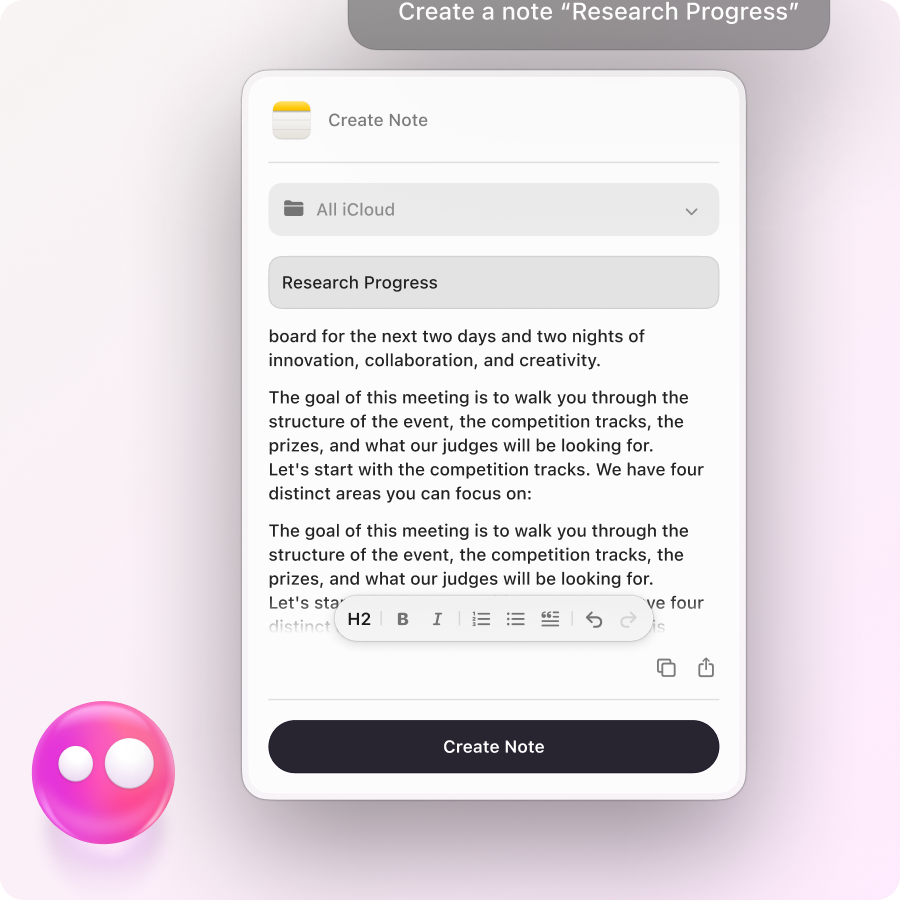
Email, notes & messages
Draft emails, capture notes, catch up on unread messages, or use your voice to get thoughts down faster.
Files & docs
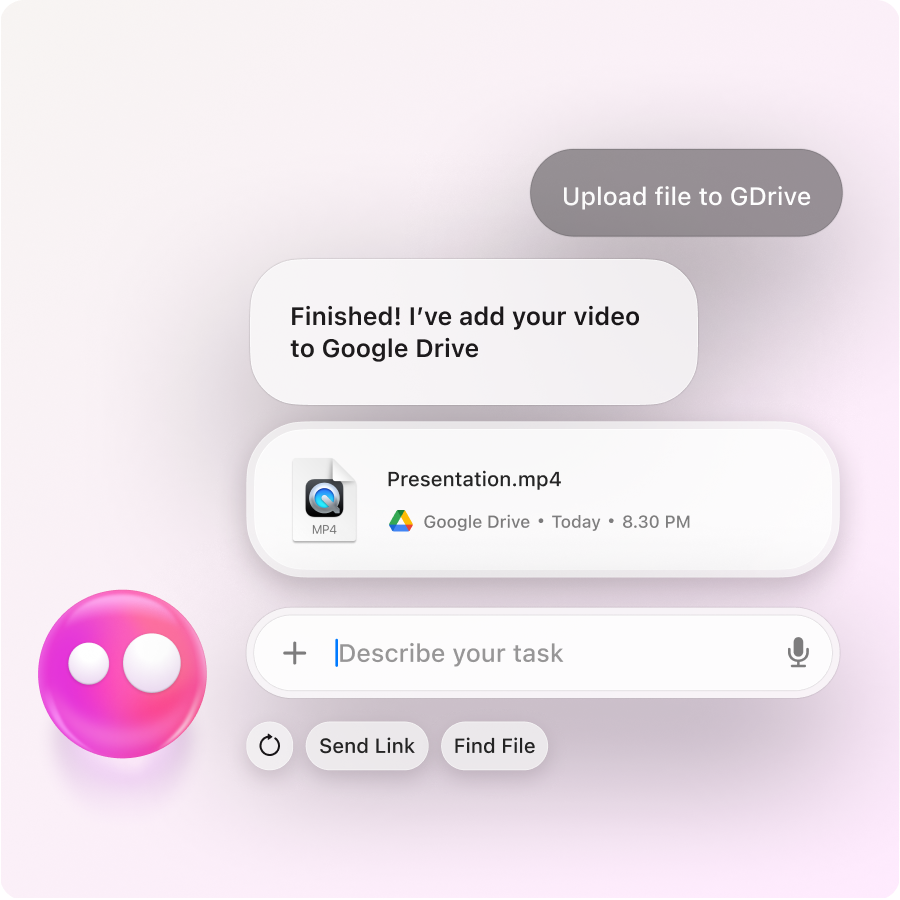
Find files, create and edit documents, split PDFs, convert formats, and take care of everyday file tasks.
Mac productivity
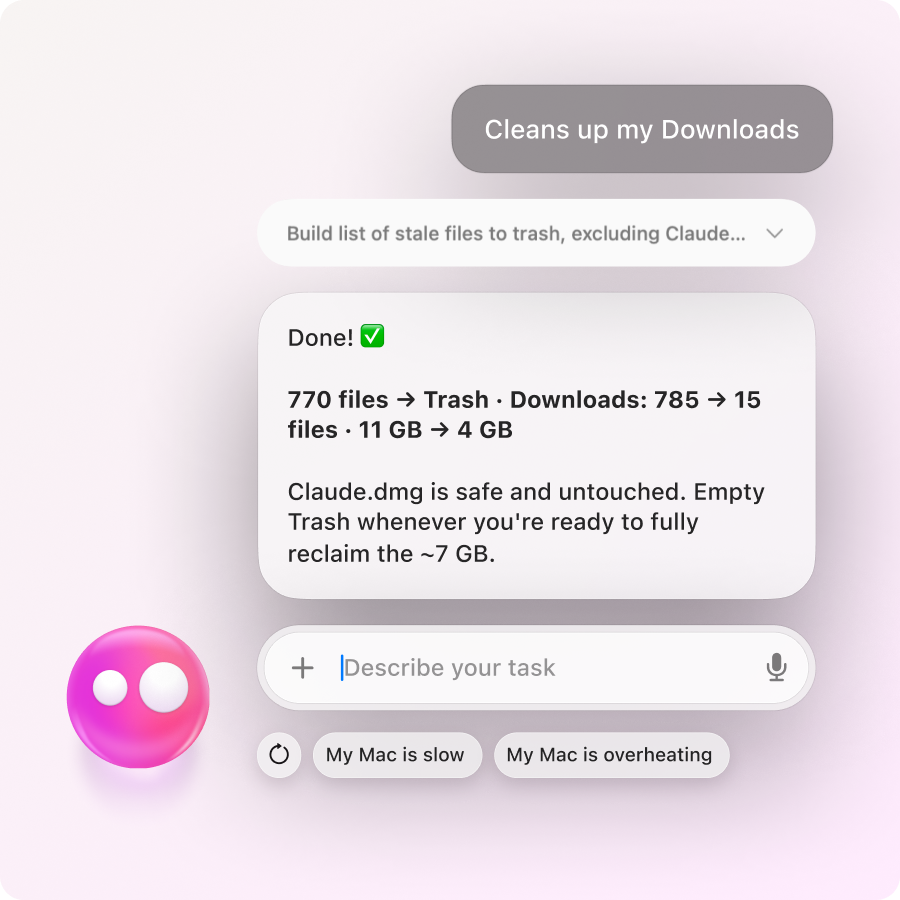
Sort out your Desktop and Downloads, find files, and deal with the clutter that builds up on your Mac.

Images & video
Generate and edit images, trim videos, annotate visuals, create QR codes, and handle other quick media tasks.
And that’s only some of what you can hand off to Eney.
One instruction.
Multiple actions.
Eney breaks complex tasks into steps and handles them for you.

Your apps.
Without the back-and-forth.
Eney works across the tools you already use, so you can stay focused on what you’re doing.

Helpful.
Before you ask.
Proactive workflows help you stay on top of tasks, updates, and what’s coming up.
Your account starts with free credits, so you can explore Eney before paying.
Need more? Pick the credit amount that fits how much you use it.
 Starter
For occasional tasks
15,000 credits
$18.00 USD/mo
+ tax, billed monthly
BoostFor daily work
30,000 credits
$36.00 USD/mo
+ tax, billed monthly
PowerFor demanding workloads
50,000 credits
$60.00 USD/mo
+ tax, billed monthly
Available on  Setapp by MacPaw