Say what you need. Eney takes it from there.
Eney understands what you’re working on, works across the apps you already use on your Mac, and takes care of the tasks that usually slow you down.
You can finally stop keeping everything in your head, jumping between tabs, and chasing every little thing. Eney handles it.
Eney grew out of a simple idea: your Mac should do more than respond. It should understand what you need and help move things forward.



Eney takes care of the tasks that pile up — the ones that drain your day without ever making it onto your to do list.

Proactive suggestions
Keeps an eye on your work, surfaces what needs attention, and suggests what to do next — so you stay one step ahead.
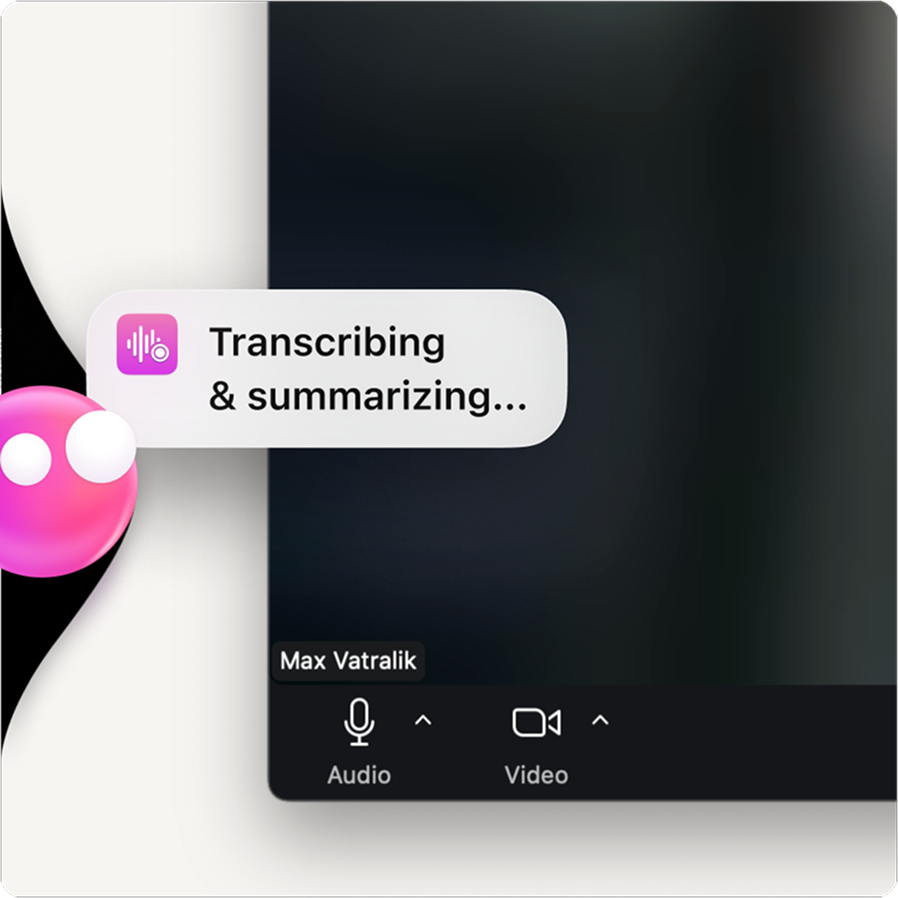
Meetings notes
Joins your calls, takes notes, sends you a clean summary — so nothing slips between meetings.
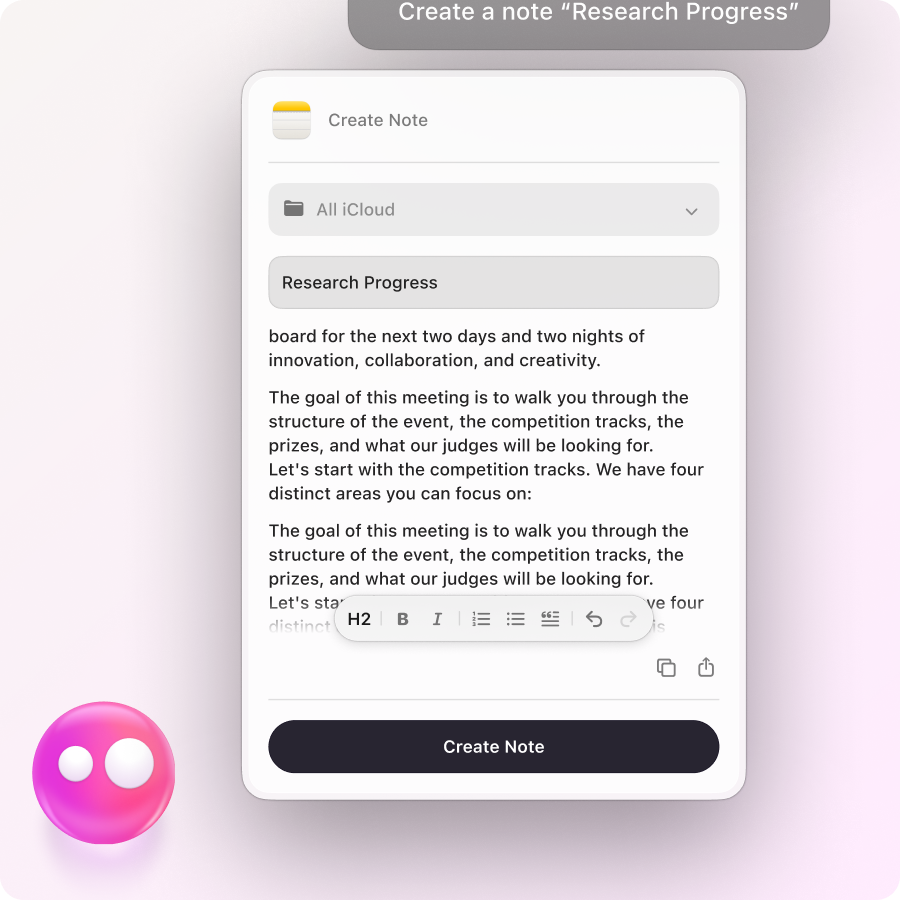
Email, notes & messages
Drafts emails, captures notes, pulls up unread messages, and sends the quick replies — so your inbox stops ruining your morning.

Connectors
Find what you need in Notion, Linear, and Google Docs, update it, create new tasks, and keep everything current — without switching tabs and breaking flow.

Files & docs
Finds files in Google Drive, creates and edits Docs, splits PDFs, and converts Word to PDF — so file work stops slowing you down.

Images & video
Crops, flips, optimizes, annotates images, trims videos, and handles QR codes — without opening another app.
There’s a lot Eney can already take off your plate — and it keeps growing.

One instruction.
Multiple actions.
Give Eney a task, and it can complete multiple steps across your tools until the job is done.

Eney's on it.
It's off your mind.
Eney keeps track of context, so you don’t have to repeat yourself.

Open it.
It's already working.
Get started right away without learning a new system. Connect your tools and let Eney take it from there.
Every account comes with free credits.
If you need more, you can purchase additional credits.
 Starter
For occasional tasks
15,000 credits
$18.00 USD/mo
+ tax, billed monthly
BoostFor daily work
30,000 credits
$36.00 USD/mo
+ tax, billed monthly
PowerFor demanding workloads
50,000 credits
$60.00 USD/mo
+ tax, billed monthly
Available on  Setapp by MacPaw